
AI PHOTO / VIDEOANOTHER TAKE ON THE EVERYDAY
Your moments. Recast.
MePic
Make something
worth keeping.


01 / PHOTO STORIES
SAME CAMERA ROLL.
NEW POSSIBILITIES.
The familiar face. The favorite moment.
The photo you almost forgot about.
See what else it could become.
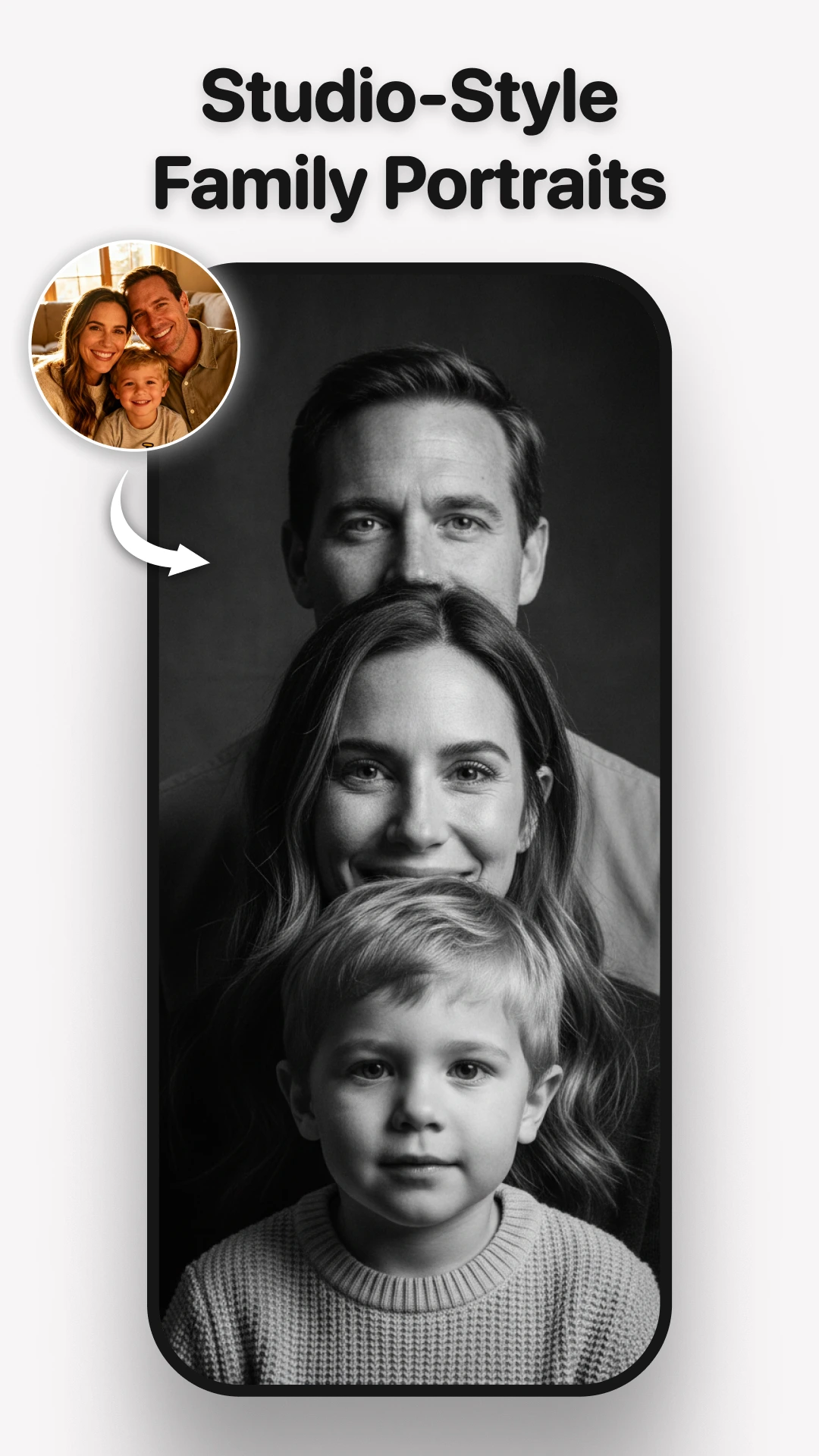
People, reimagined.
The people you know. A portrait you have not seen. Explore family portraits, personal looks and a different kind of camera-roll favorite.
A clear, well-lit photo is a good place to start. Official Google Play previews.
02 / THE EDIT
FOLLOW YOUR
CURIOSITY.
No single aesthetic.
Just a place to find your next idea.
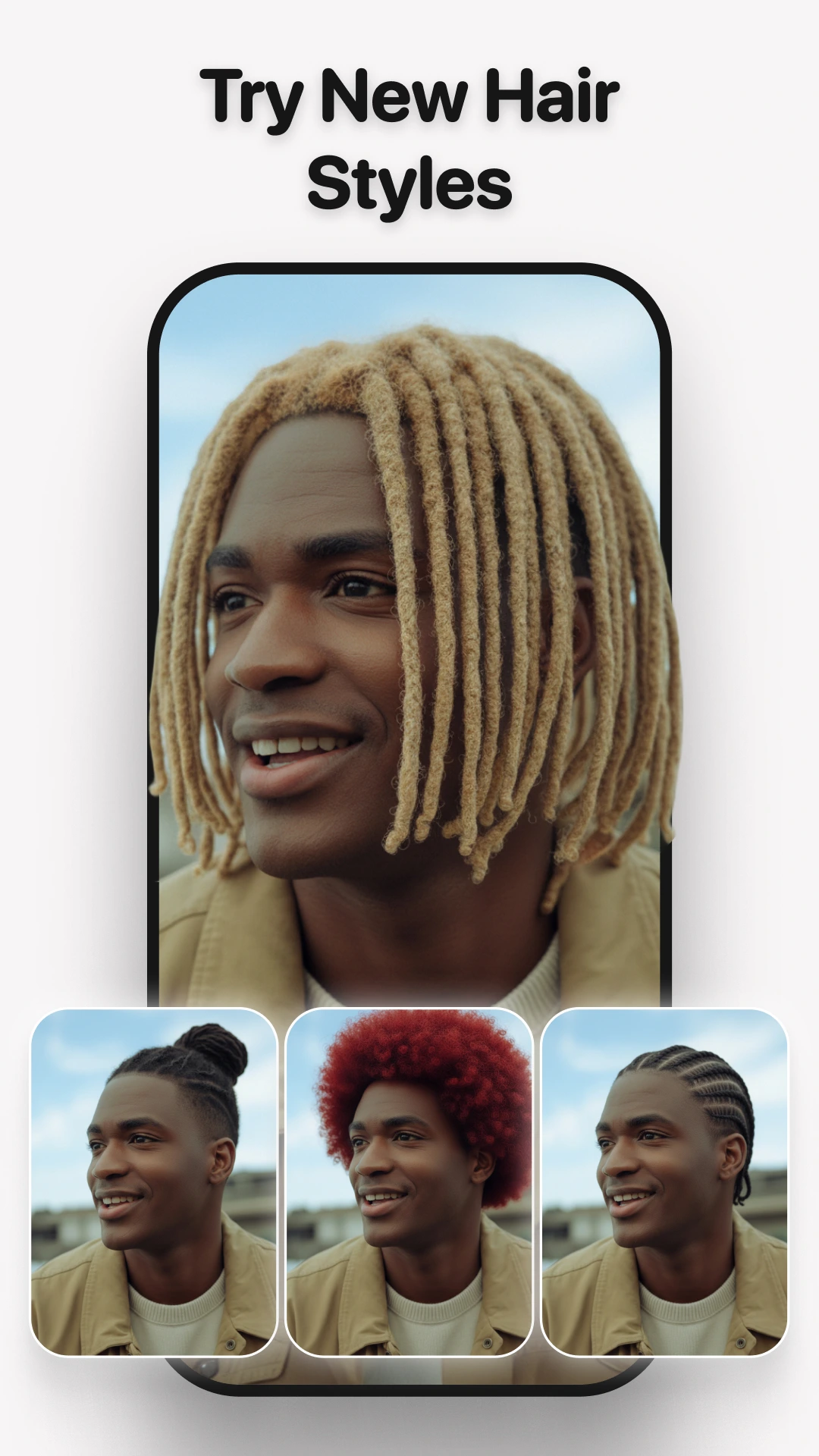
Change the look
Find a little rhythm
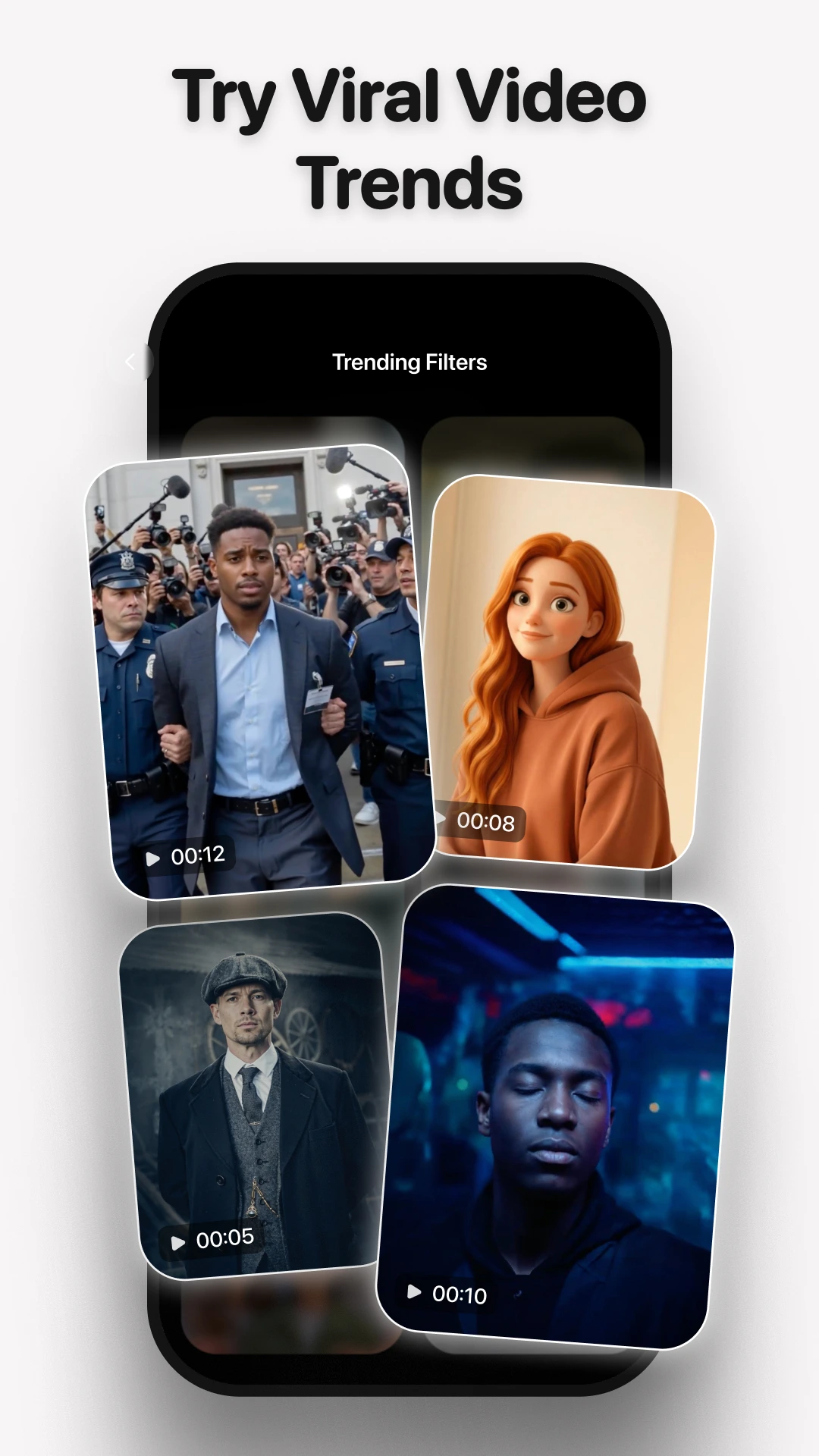
Make a different entrance
Another character, same spark
A cartoon kind of day
Imagine the next chapter
Take the scenic route
Official Google Play images. The available collection can change with app updates.
03 / MOTION CUTS
YOUR PHOTO.
THE FIRST FRAME.
A moment does not have to stand still.
Explore photo animation and video effects in MePic.
STILL TO SOMETHING ELSE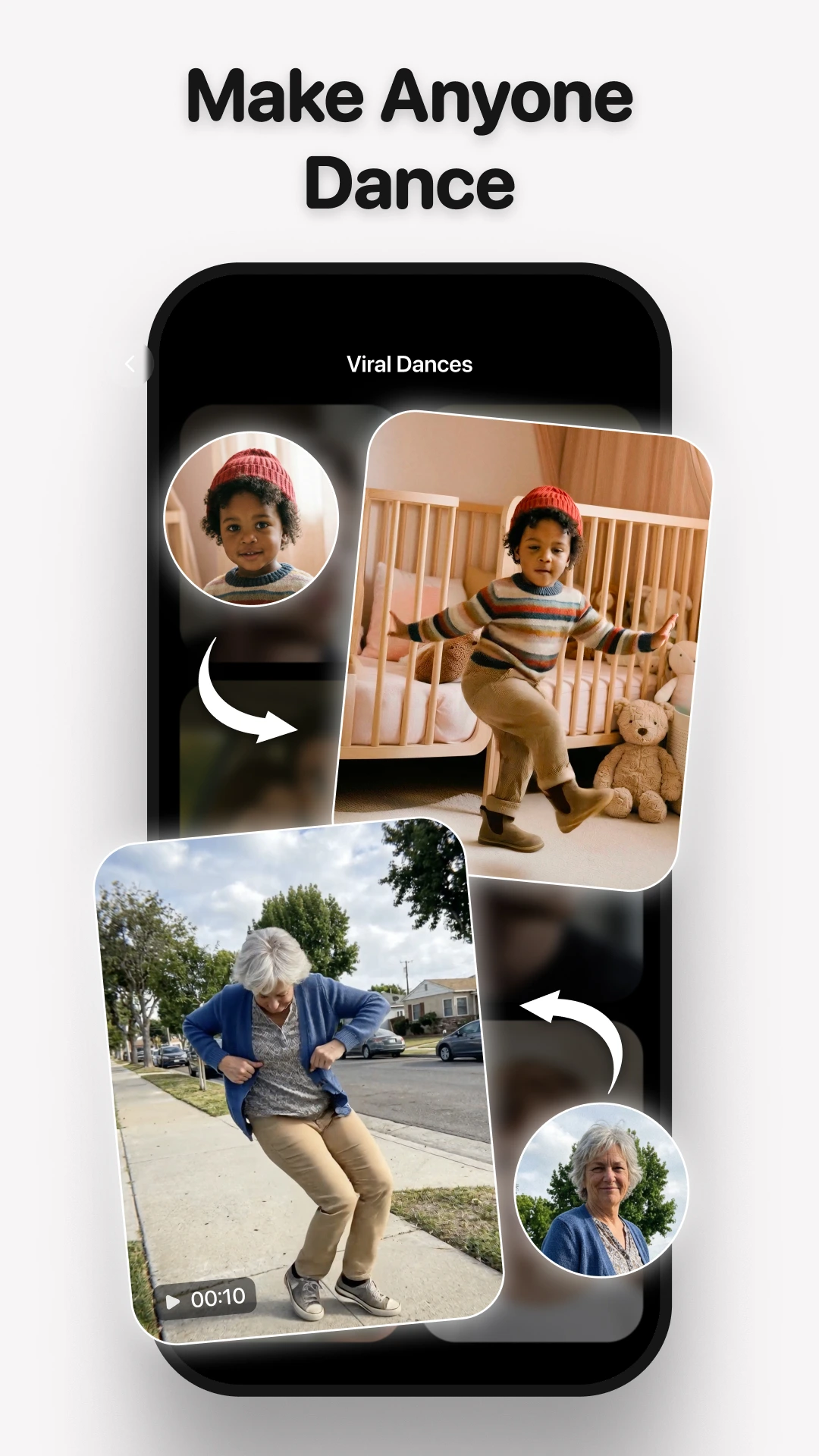
 START WITH A PHOTO.
LET THE IDEA MOVE.
START WITH A PHOTO.LET THE IDEA MOVE.
A clear starting point.Choose a well-lit photo you have permission to use.
A little room to experiment.Explore a look, review the result, make it your own.
No promises. Just possibilities.AI can reinterpret details. Every result is different.
01What is MePic?
MePic is an AI photo and video creation app by Ocean Float Mobile. It offers portrait transformations, artistic looks and photo-based video effects.
02Can I use it on Android or iPhone?
MePic has listings on Google Play and the Apple App Store. Open your store to check device compatibility and regional availability. Features may differ by platform.
03Is AI generation free?
MePic offers in-app purchases. Its App Store listing states that AI generation requires a subscription or tokens. Check the app for current access, token costs, local prices and renewal terms before confirming a purchase.
04Are these guaranteed results?
No. The cover is a creative illustration, not a verified MePic output. App previews come from Google Play. AI can change facial details and other features, so review every result before using or sharing it.
05Where does creation happen?
In the MePic app. This website is a place to explore the app and find its store links; it does not accept uploads or generate photos and videos.
06What photos should I choose?
Start with a clear photo and a visible subject. Only use content you own or have permission to use, and get consent when creating with another person's photo.
07How do I manage billing or a subscription?
For an app-store purchase, use the subscription settings in the Apple or Google account that made it. Check your store's current cancellation and refund options. Removing the app does not cancel a subscription.
08Who can help with the app or my data?
Contact the developer at beintouch@oceanfloatmobile.com. The developer's privacy policy explains its data practices and privacy requests. Include your app version when asking for technical help, but never send passwords or full payment details.
A NEW TAKE STARTS HERE
MAKE IT
MePic.
Portraits. Edits. Motion.
Your next idea, on your phone.
Review pricing and included access in the app.